IT Administration
Get it free — early access
Backup Verifier
Prove your backups actually match your originals — before restore day finds out for you.
Early access
Free
normally $49
Free during early access — we email you a full licence key, yours to keep.
What it does
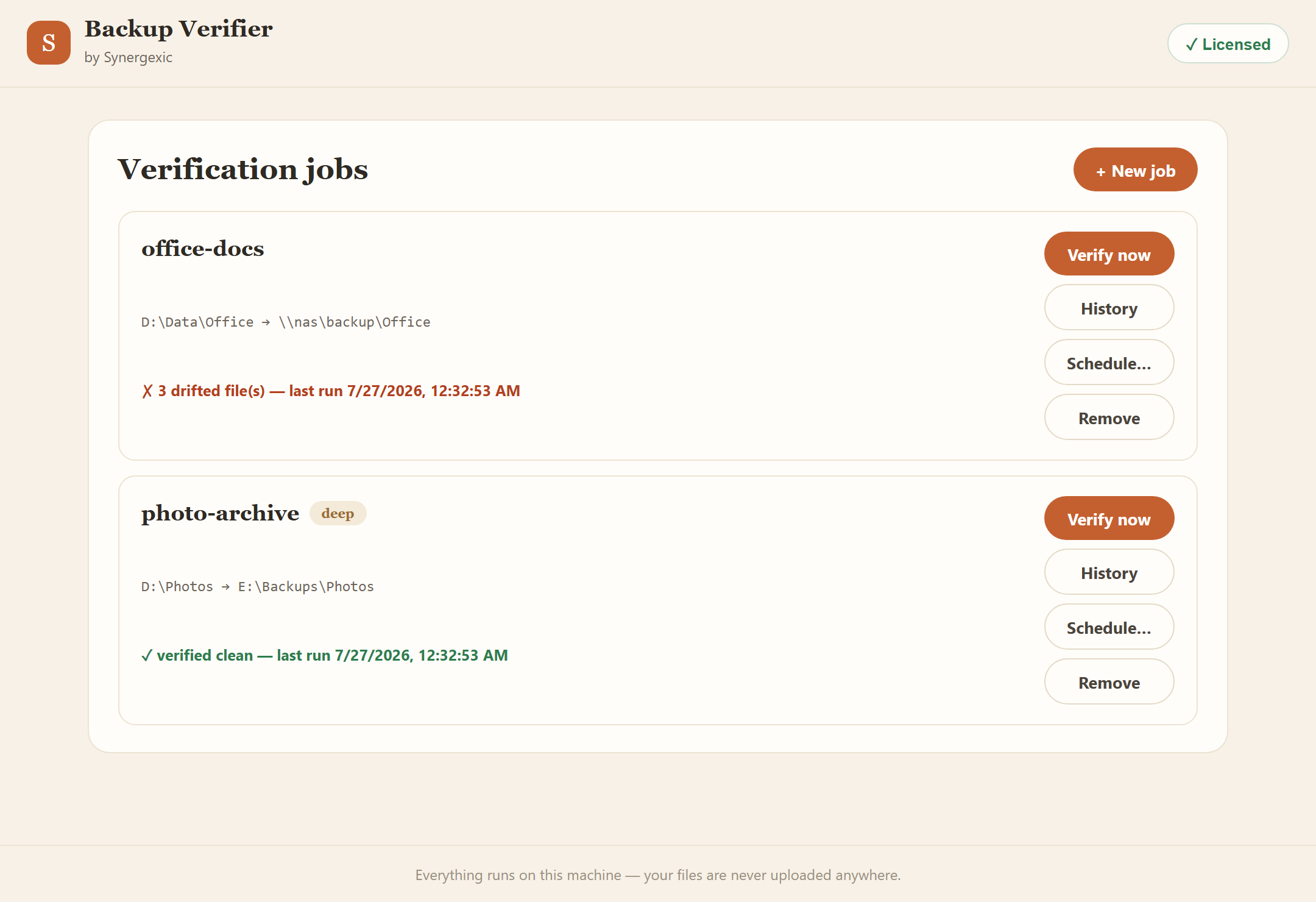
Checksum comparison
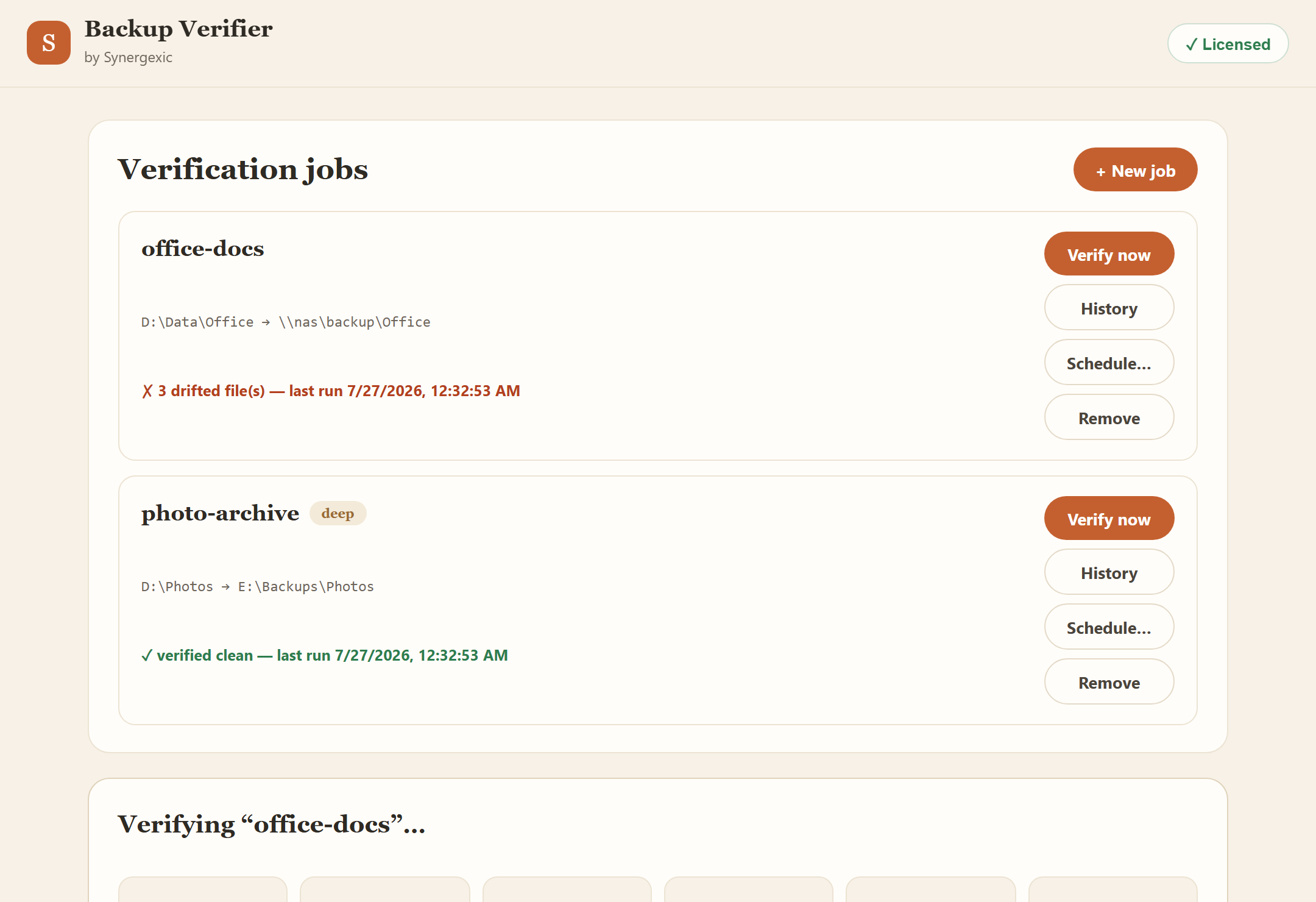
Byte-accurate SHA-256 comparison between source and backup trees.
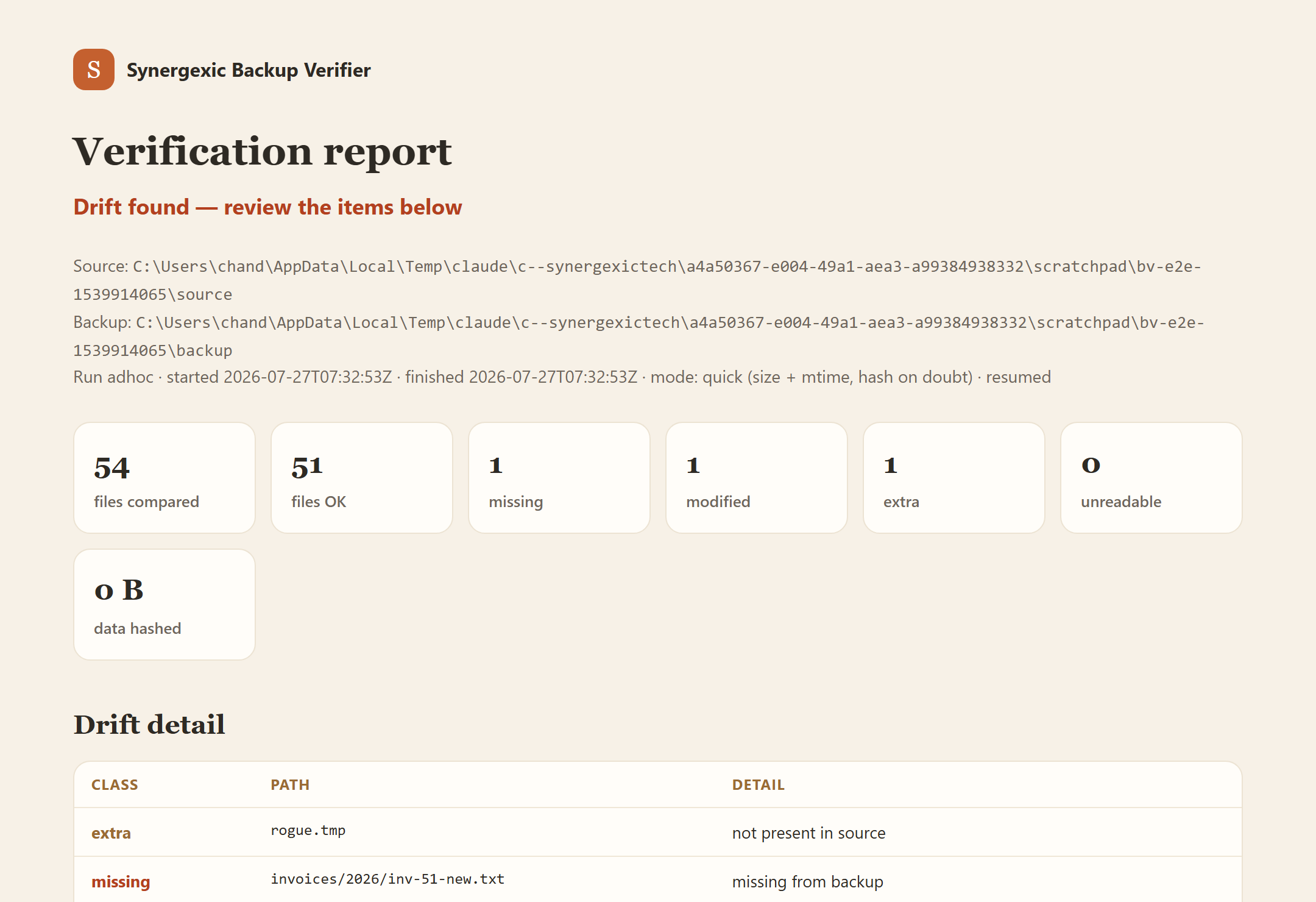
Drift report
Missing, modified and extra files listed plainly, with paths you can act on.
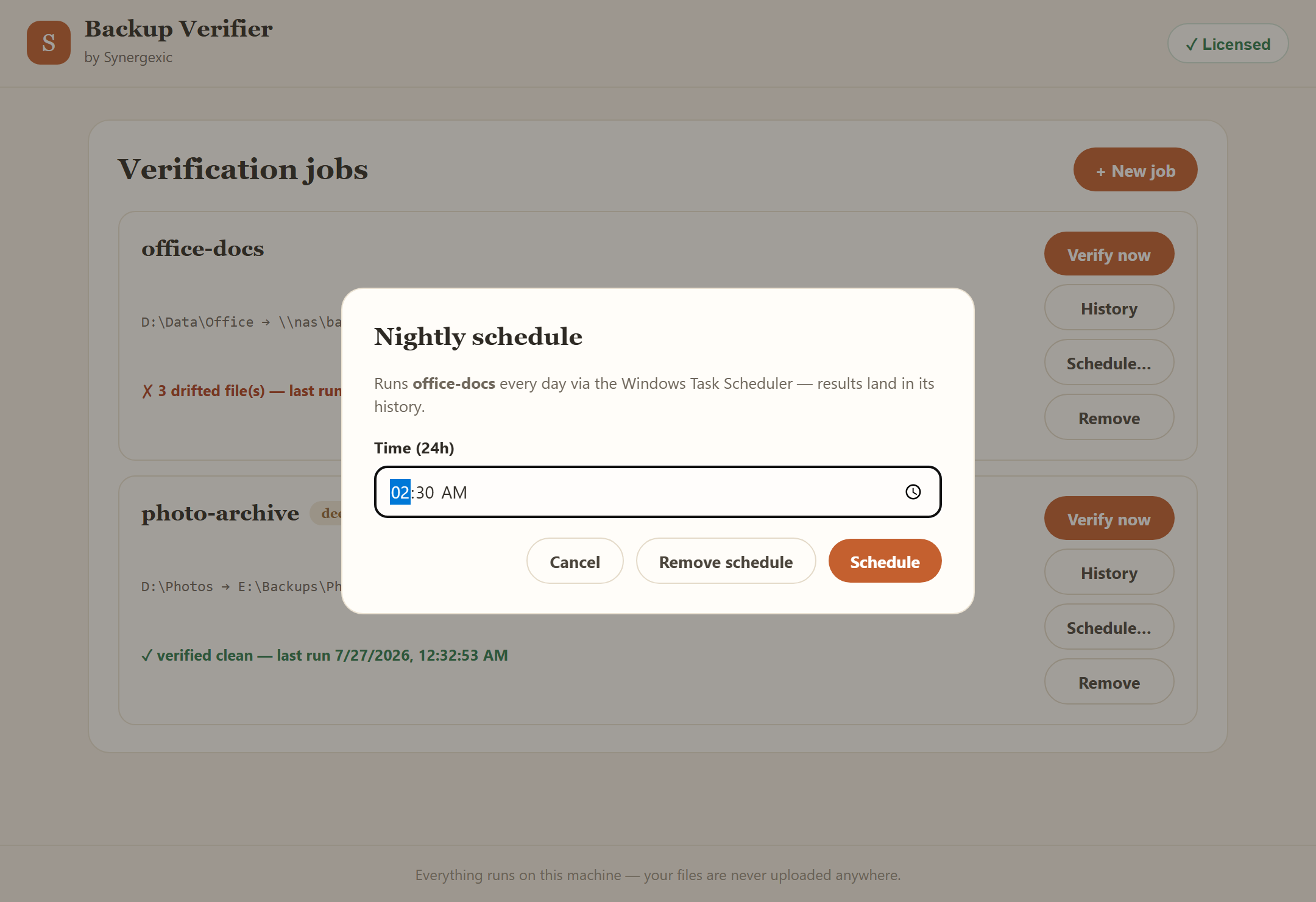
Scheduled runs
Verify nightly and keep a local history of every result.
Built for big trees
Handles millions of files and resumes interrupted runs where they left off.
Any destination
Works with NAS shares, USB drives and locally mounted cloud folders.
Offline & private
Checksums are computed and compared entirely on your machine.
System requirements
- Windows 10 or 11 (64-bit)
- 4 GB RAM minimum
- 100 MB free disk space
- Read access to both source and backup locations
Early access
Free normally $49 — yours to keep
- ✓ Full version, no feature limits
- ✓ One year of free updates
- ✓ Use on your work & home machine
- ✓ Friendly email support
Questions, answered
It says free — what’s the catch?
There isn’t one. Backup Verifier is free while we’re in early access, and what you get is a full licence key, not a trial — every limit is removed. When it becomes a paid product ($49), your key carries on working at no charge. We ask one thing in return: tell us what it gets wrong.
Does it create backups?
No — it verifies the backups your existing tool makes are complete and uncorrupted. It's the trust-but-verify step.
What happens if a run is interrupted?
It resumes where it left off — no starting a million-file comparison from scratch.
Does anything leave my machine?
No. Checksums, reports and history are all stored locally.